I have turned on dark mode for my iPhone since its launch in 2019.
However, there is one issue and that is some newsletter on the default Mail app continues to display the white background.
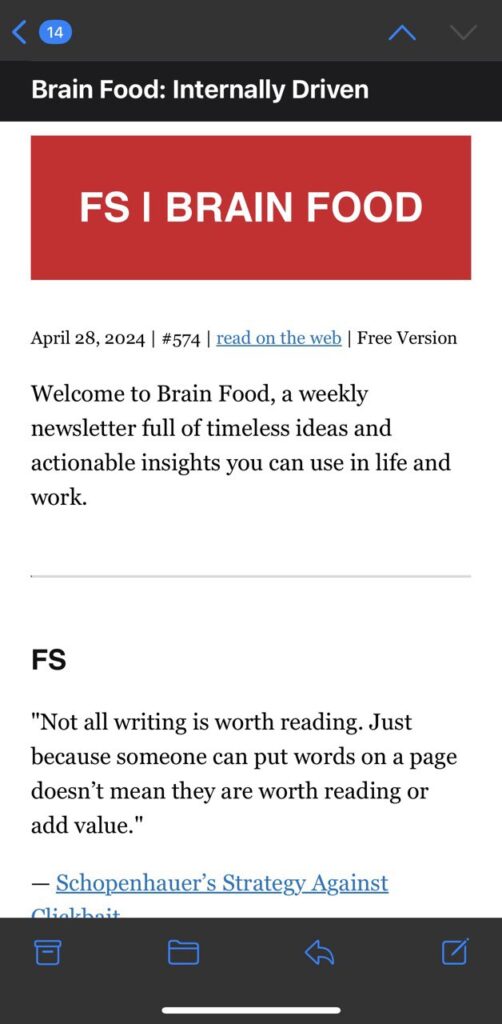
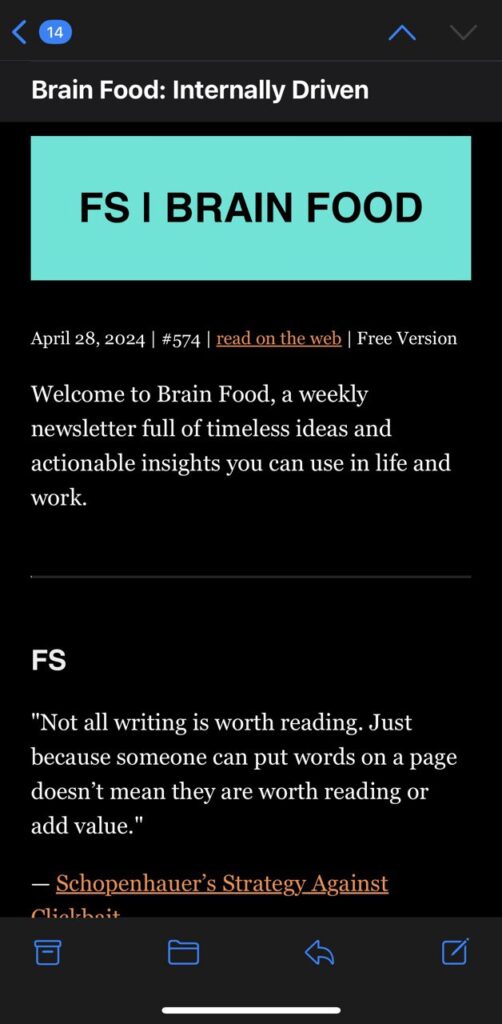
Turns out, you can can use the Smart invert feature on specific app. This makes the color weird, but at least you will no longer be blinded in dark environments.
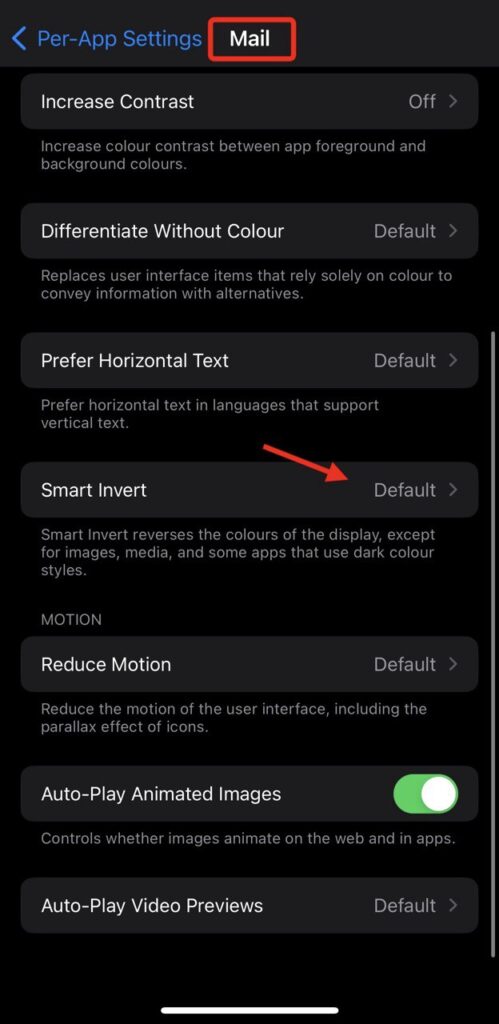
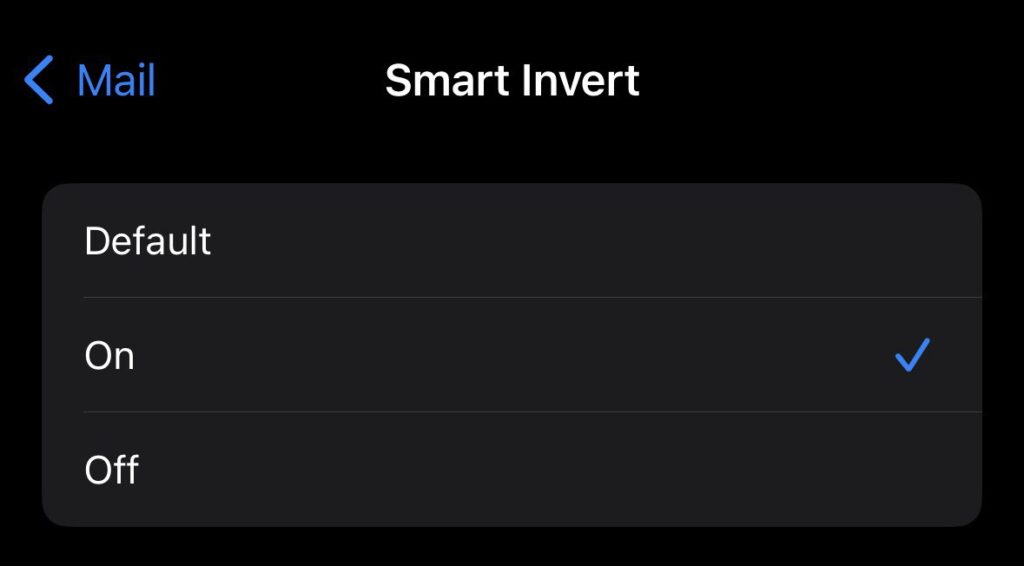
Settings > Accessibility > Per-App Setting > Mail > Smart Invert
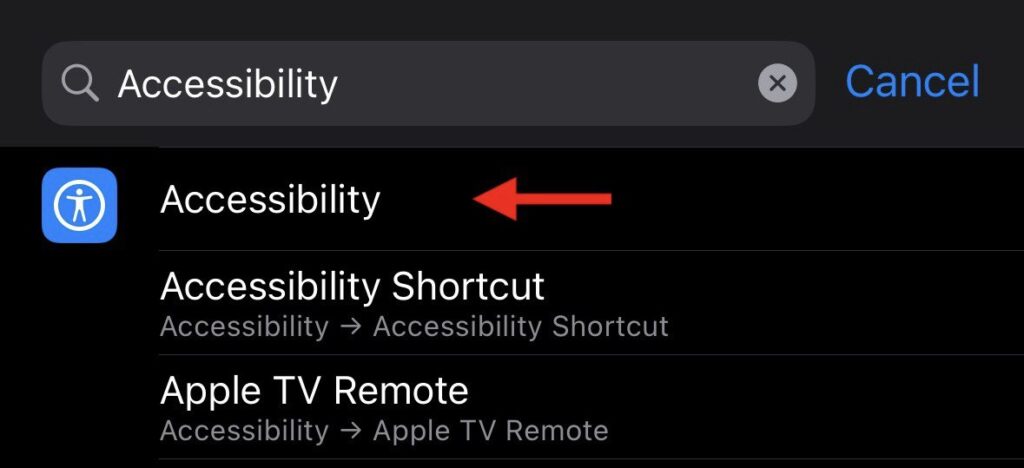
- Search Accessibility in settings.
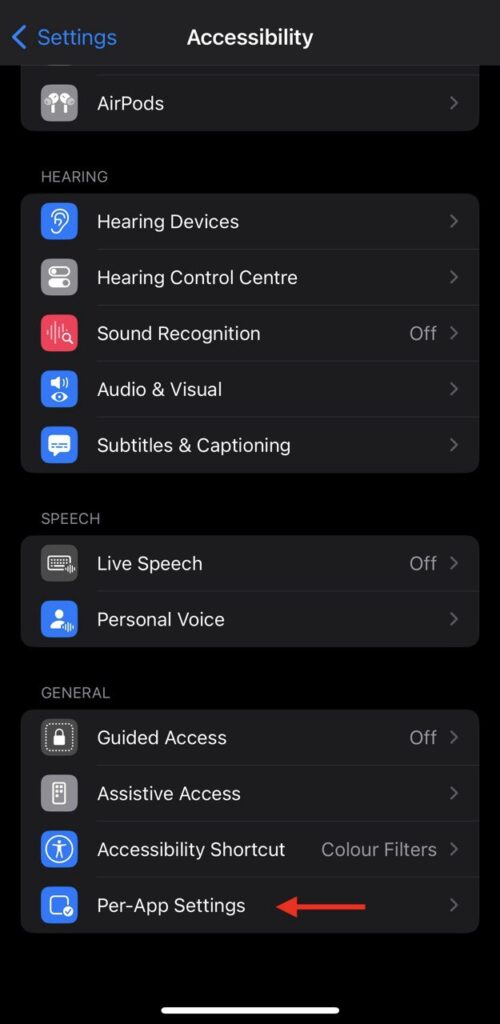
- Scroll all the way down to Per-App Settings.
- Add Mail and change Smart Invert to On.